Last Updated: 09/21/2023
Manage News Stories
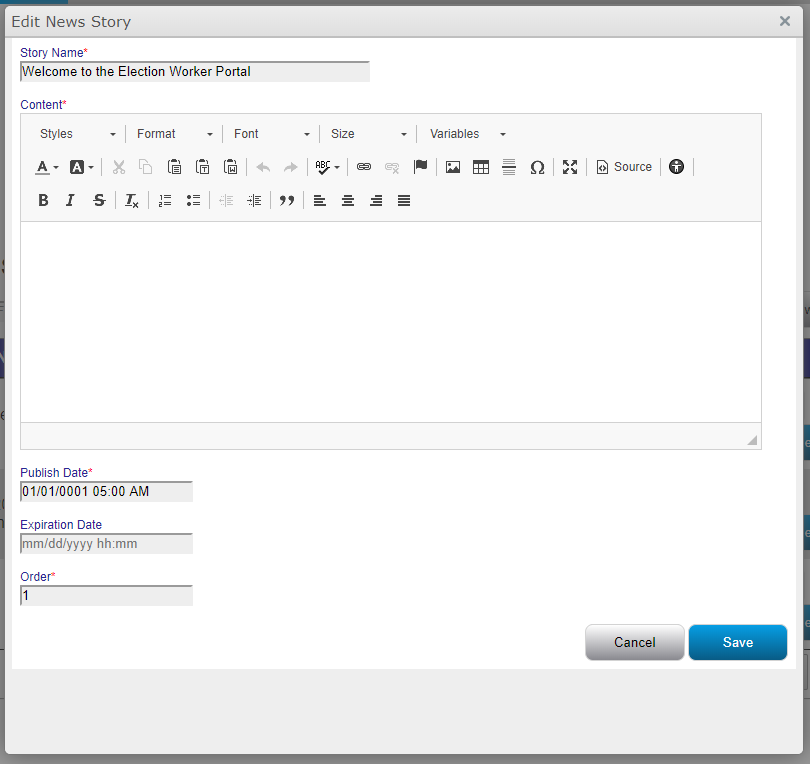
 Create a news story
- Go to the News tab.
- Click Create News Story.
- Complete each of the fields and then click Save.
Schedule a news story:
- Go to the News tab.
- Click Create News Story.
- Set the Publish Date to a date in the future.
- Complete each of the fields and then click Save.
Edit Existing News Story
- Go to the News tab.
- Click Edit for the news story you'd like to update.
- Complete each of the fields and then click Save.


